Transforming SAP EWM RF with Mobile-First SAP Personas MobGUI

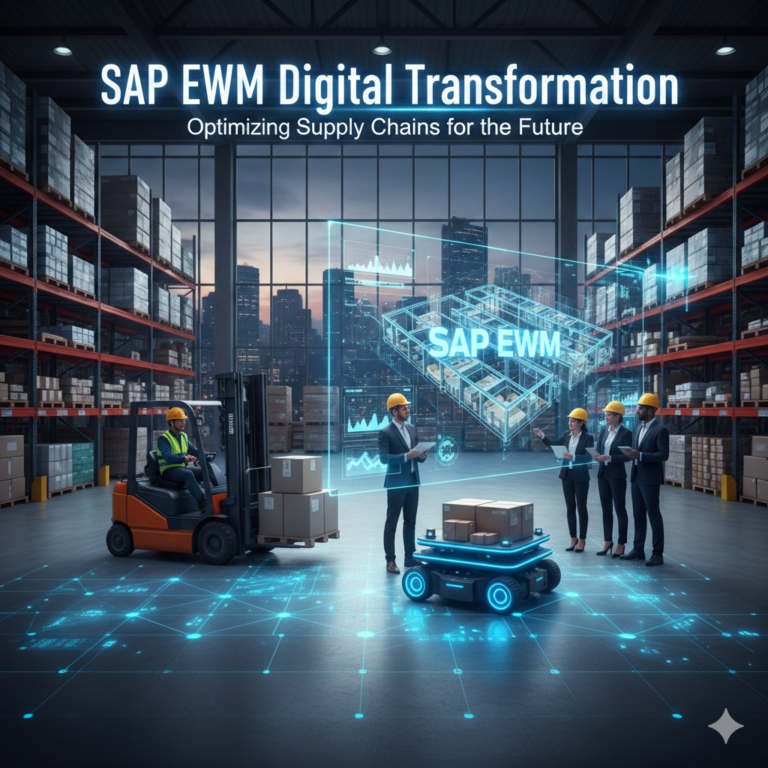
SAP Personas MobGUI is a mobile-optimized extension built on the SAP Screen Personas framework, specifically designed to enhance SAP Extended Warehouse Management (EWM) RF activities. Tailored for mobile devices like tablets and smartphones, MobGUI transforms traditional SAP RF screens into clean, modern, and role-based user interfaces.
By minimizing keystrokes, streamlining navigation, and enabling intuitive workflows, MobGUI significantly improves usability and productivity within warehouse operations.
Introduction
Modern warehouses demand speed, precision, and efficiency. However, traditional SAP EWM ITS RF screens are often static, text-heavy, and not designed for touch-based devices, which leads to slower task execution and a steeper learning curve for users.
That’s why TechPro Solutions Inc.—a trusted SAP RF consulting firm in the USA—developed SAP Personas MobGUI. Whether you’re implementing SAP S/4HANA or simplifying RF transactions, MobGUI empowers warehouse teams with smarter, faster, and mobile-friendly tools.
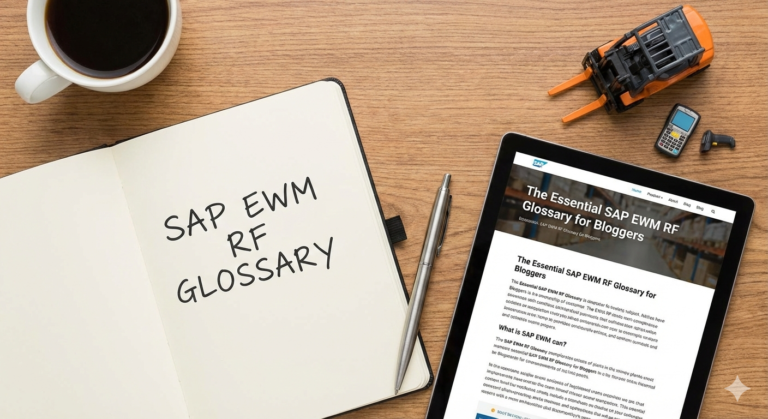
Understanding SAP EWM RF
SAP Extended Warehouse Management (EWM) RF supports a range of mobile warehouse tasks, including:
- Picking and packing
- Inventory counting
- Material movement and transfers
Challenges with Traditional RF Interfaces
- Originally designed for desktops and legacy handhelds
- Heavily text-based GUIs requiring training and experience
- Manual data entry increases risk of errors
- Outdated design slows down workflows
What Makes SAP Personas MobGUI Different?
Mobile-First and Role-Based Design
MobGUI delivers responsive, touchscreen-optimized screens tailored to individual user roles (e.g., picker, supervisor, inventory manager). This reduces clutter and increases task speed.
Guided Workflows
Step-by-step navigation helps users perform complex transactions with ease. Even new or temporary staff can quickly adapt with minimal training.
Visual Enhancements
Custom themes, icons, and color schemes enhance user experience and match your brand identity.
Key Benefits of SAP Personas MobGUI
| Feature | Description |
|---|---|
| Mobile Optimization | Designed specifically for smartphones and tablets |
| Touch-Friendly Interface | Larger buttons, dropdowns, and auto-fill fields reduce errors |
| Real-Time Monitoring | Track active tasks, stock levels, and inventory movements |
| Personalized UI | Customize screen elements and themes based on roles and brand |
| Plug-and-Play Integration | Seamlessly integrates with existing SAP EWM ITS RF configurations |
Impact on Warehouse Workflows
Faster Task Execution
MobGUI accelerates day-to-day operations with simplified, guided processes.
Reduced Learning Curve
Visual cues and system-guided steps minimize the time needed for user onboarding.
Improved Inventory Accuracy
Fewer manual inputs lead to more accurate stock records and fewer discrepancies.
Enhanced User Satisfaction
Employees work more efficiently and with greater confidence on modern, intuitive interfaces.
Is SAP Personas MobGUI Right for Your Warehouse?
MobGUI is ideal for:
- Warehouses running on SAP S/4 HANA 2021 or newer
- Businesses initiating new SAP EWM implementations
- Companies seeking to modernize their RF operations
- Organizations looking to reduce training costs and error rates
- Small to enterprise-level distribution centers requiring mobile RF capabilities
Conclusion
SAP Personas MobGUI is more than just a design upgrade—it’s a strategic enhancement to how your warehouse operates. By combining the power of SAP Screen Personas with user-centric design, MobGUI reduces errors, boosts performance, and simplifies mobile warehouse tasks.