How Custom Mobile Screens Save Time in SAP EWM Workflows
Warehouses run on speed.
Every second saved during picking, packing, staging, or putaway directly impacts:
- Shipment time
- Labor cost
- Customer satisfaction
- Operational efficiency
But the truth is — many SAP EWM warehouses still use old, standard RF screens that are:
- Slow
- Confusing
- Hard to navigate
- Missing important validations
- Not user-friendly for new workers
This is exactly why custom mobile screens for SAP EWM workflows are becoming extremely popular — especially in fast-moving industries like retail, e-commerce, pharma, food, and manufacturing.
In this blog, we explain in simple language how custom screens save time and reduce errors in daily warehouse operations.
What Are Custom Mobile Screens in SAP EWM?
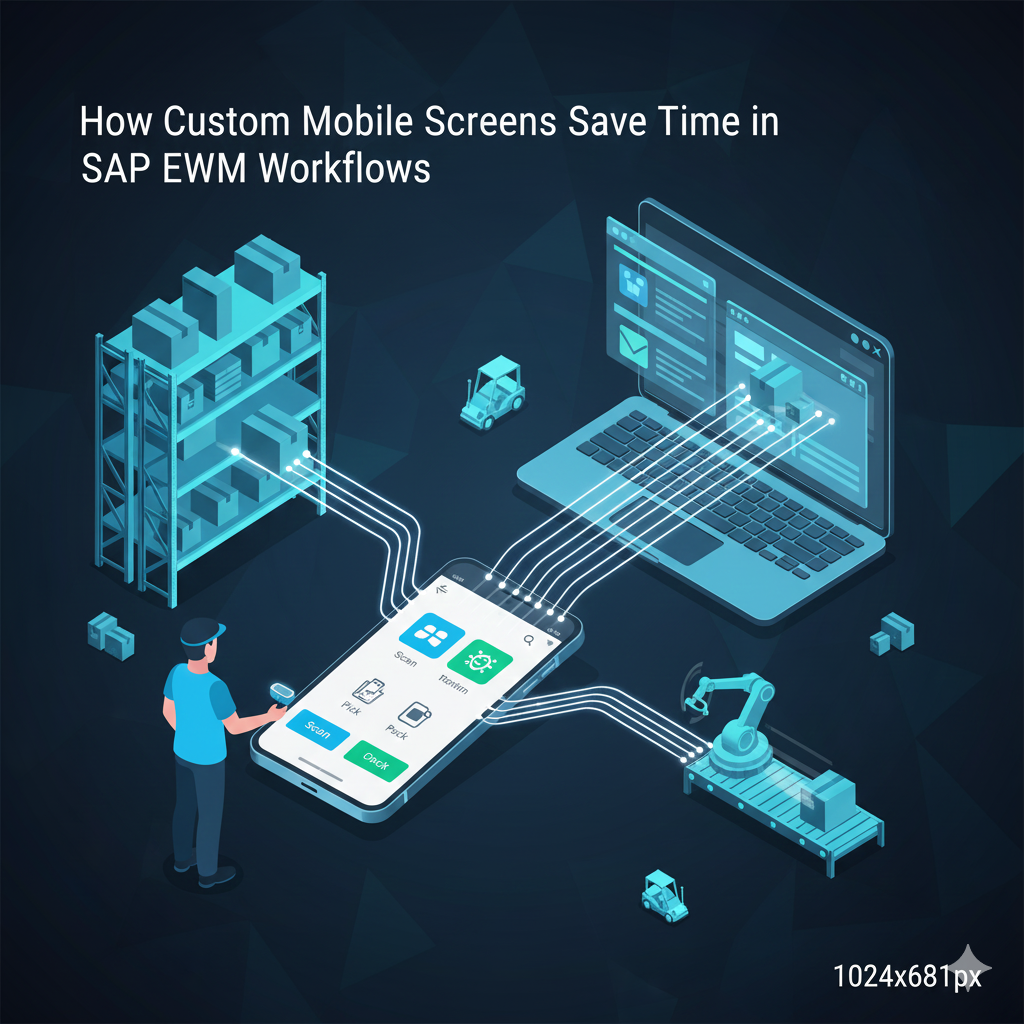
Custom mobile screens are redesigned workflow screens that run on:
- Android devices
- Rugged handheld terminals
- Tablets
- Wearable scanners
- Smart mobile apps
These screens are designed to replace the traditional SAP RF screens with a modern, clean, fast, and intuitive interface.
Why Warehouses Need Custom Mobile Screens
Standard SAP RF screens were created a long time ago.
They are not optimized for today’s high-speed warehouse operations.
Workers face issues like:
- Small text
- Too many fields
- Extra steps
- Slow navigation
- No real-time guidance
- Confusing layouts
- High training effort
Custom screens fix all of this.
They allow warehouses to shape the workflow exactly the way they need.
How Custom Mobile Screens Save Time in SAP EWM
Fewer Clicks, Faster Work
In many RF screens, one simple task requires 4–6 clicks.
Custom screens reduce this to 1–2 clicks by:
- Removing unnecessary fields
- Auto-filling system data
- Scanning instead of typing
- Auto-navigation after scan
Barcode-First Design
Typing material numbers, HUs, or batches is slow and prone to mistakes.
Custom screens allow:
- Scan → auto-fill
- Scan → auto-validate
- Scan → auto-next step
Operators complete tasks faster and with fewer errors.
Smart Validations Reduce Errors
Custom screens can include instant validations like:
- Wrong bin alert
- Wrong SKU alert
- Wrong batch alert
- Missing quantity alert
- Expiry date warning
- Over-pick protection
- Under-pick protection
This prevents costly mistakes before they happen.
Visual Guidance Instead of Guesswork
Custom screens can show:
- Product images
- Bin location pictures
- Color-coded tasks
- Progress bars
- Route suggestions
A worker instantly knows:
- What to pick
- Where to go
- What quantity to scan
- Whether task is complete
This cuts down training time drastically.
AI Recommendations for Faster Picking
When combined with AI, custom screens can:
- Suggest fastest picking path
- Suggest alternative bin if stock is missing
- Predict worker fatigue and optimize tasks
- Warn about frequently mistaken SKUs
AI-powered mobile screens save huge time during peak periods.
Device Flexibility: Use Any Mobile
Custom SAP EWM screens run seamlessly on:
- Low-cost Android phones
- Rugged warehouse devices
- Tablets
- Wearables
- Scanner-mounted devices
This reduces hardware cost significantly.
Single Screen for Entire Workflow
Instead of switching screens for:
- Pick
- Confirm
- Pack
- Load
Custom mobile apps combine everything into one continuous flow.
This helps new workers complete tasks without confusion.
Offline Mode for Poor Wi-Fi Areas
Custom screens can work even in areas where network is weak.
Users can:
- Pick
- Confirm
- Scan
- Validate
And sync automatically once the device reconnects.
This is a game changer for large warehouses.
Real-World Examples of Time Saved
Example 1: Picking
Old RF workflow: 7 steps → 1.5 minutes per item
Custom screen: 3 steps → 35–40 seconds
Example 2: Loading
Old RF: Manual entry of HU numbers
Custom: Single scan to validate all HUs
Example 3: Quality Check
Old: Batch + expiry entered manually
Custom: Auto-read via smart camera or barcode
Average time saved per operator per day: 45–60 minutes
Benefits of Custom Mobile Screens
- 30–40% faster task completion
- 70–90% reduction in typing
- 60–80% fewer picking errors
- Train new workers 4× faster
- Zero confusion for new operators
- Better productivity
- Improved worker satisfaction
- Lower operational cost
- Real-time accuracy in SAP EWM
Who Should Use Custom Mobile Screens?
Custom SAP mobile screens are ideal for:
- E-commerce
- Retail distribution centers
- Pharma & healthcare
- Automotive warehouses
- Food & FMCG
- 3PL companies
- Manufacturing plants
If your workers are slow because screens are old → custom screens solve it immediately.
Conclusion
Custom mobile screens are not just UI upgrades — they are complete workflow accelerators.
They make SAP EWM:
- Faster
- Simpler
- More accurate
- More user-friendly
Warehouses that adopt custom mobile screens save huge time, reduce errors, and boost productivity without changing backend logic.
This is why modern SAP EWM mobility is becoming the backbone of next-generation warehouse operations.