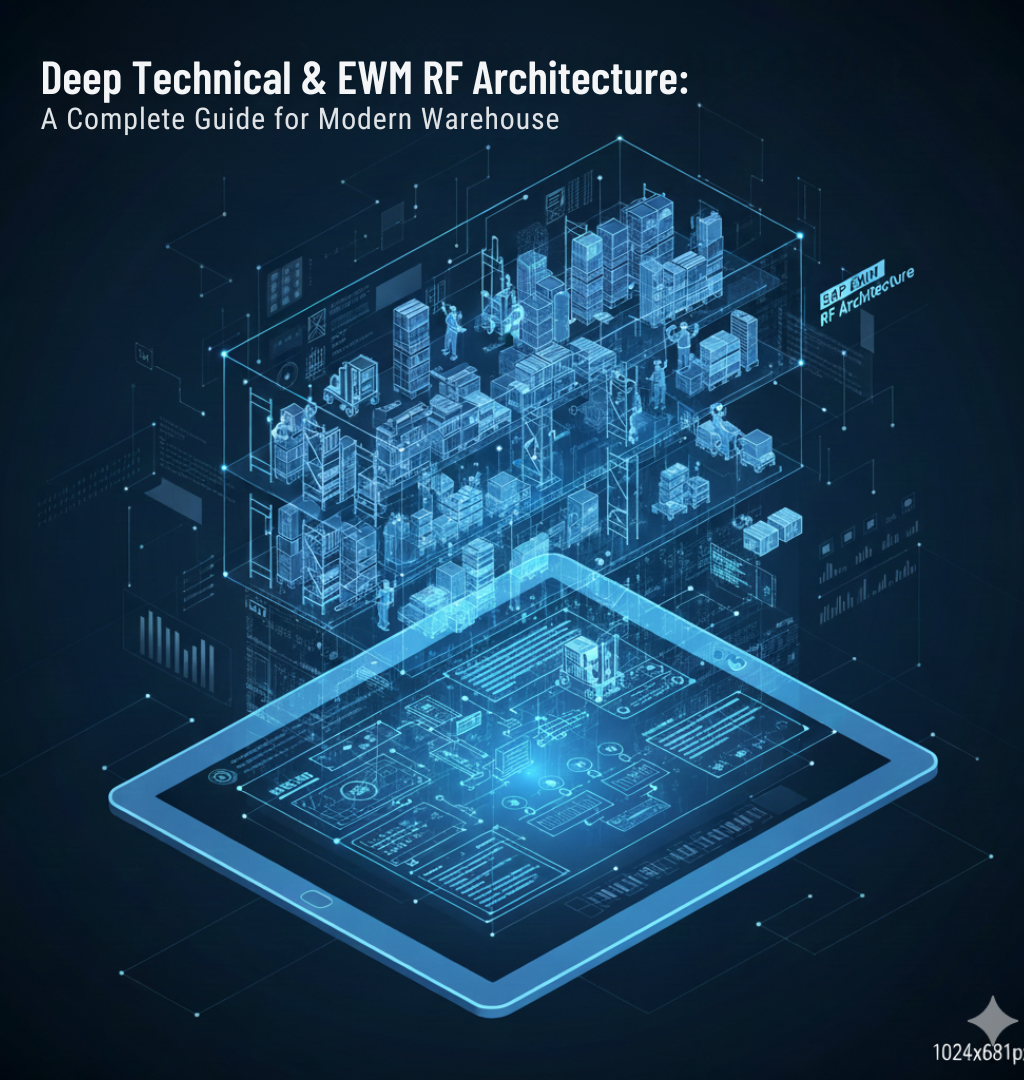
Deep Technical & EWM RF Architecture: A Complete Guide for Modern Warehouses
Modern warehouses depend heavily on SAP EWM RF (Extended Warehouse Management – Radio Frequency) to run high-volume, error-free operations. With increasing demand for speed, accuracy, and mobility, enterprises in the US are shifting from paper-based workflows to RF-driven operations. Technologies like MobGUI, custom RF screens, SAP BAPIs, and hardware scanner integrations have become essential building blocks for real-time warehouse automation.
This blog explores the complete technical architecture behind SAP EWM RF and explains how advanced optimization techniques enhance performance for high-volume enterprises.
1. The Complete Architecture of SAP EWM RF Framework: How MobGUI Enhances Performance
The SAP EWM RF Framework is a modular, flexible, and high-speed mobile environment built to support warehouse operators using handheld RF devices. The traditional SAP ITS Mobile interface often struggles with speed and usability. This is where MobGUI for EWM RF becomes a game changer.
SAP EWM RF Architecture Components
- SAP EWM Backend (SAP S/4HANA or SCM) Handles all business logic, warehouse tasks, bin management, inventory posting, and confirmations.
- RF Framework (SAP Delivered). Manages menu structures, logical transactions, user authorizations, and device sessions.
- ITS Mobile or MobGUI Layer
- ITS Mobile: Plain HTML, limited UI, slower transitions.
- MobGUI: Faster UI rendering, JavaScript support, modern widgets, and zero-lag screen transitions.
- RF DevicesHandheld terminals, scanners, tablets, or rugged mobile devices.
- Wireless Network Infrastructure Ensures uninterrupted connectivity inside the warehouse.
How MobGUI Enhances Performance
- Reduced screen load time through optimized rendering.
- Mobile-responsive UI that fits any screen size.
- Improved operator speed due to better usability.
- Supports features like dropdowns, buttons, multi-input fields, which are difficult in ITS Mobile.
- Lower error rates due to guided workflows.
MobGUI acts as a modern front-end layer over the SAP RF logic, significantly increasing operational performance.Designing High-Performance RF Screens: Best Practices for UX in Warehouse OperationsA well-designed RF screen can save 1–3 seconds per transaction. In a high-volume warehouse, this results in thousands of saved minutes every day.
Best UX Practices for EWM RF
a. Keep Screens Minimal and Action-Focused
Warehouse operators should not type unless required.Use:
- Pre-filled fields
- Automatic defaults
- One-click buttons
b. Use Large Buttons and High-Contrast Colors
- Operators use the device while walking or picking.
- Large actionable areas reduce mis-clicks.
c. Reduce Navigation Steps
- Avoid complex menus.
- Design linear, guided workflows.
d. Enable Scan-to-Input Everywhere
- RF devices are scanner-first machines.
- Every input field should support barcode scanning.
e. Avoid Overloading the Screen
Show only needed information:
- Task
- Bin
- Material
- Quantity
Clutter slows down operators and increases errors.
By combining these UX principles with MobGUI, enterprises unlock faster picking, put-away, and packing performance.
How to Optimize RF Queue Management for High-Volume Warehouses
For warehouses handling thousands of tasks per hour, RF queue optimization is crucial. Poor queue design leads to delays, bottlenecks, and idle operators.
Key Techniques for RF Queue Optimization
a. Dynamic Queue Assignment
Assign tasks based on:
- Operator skill
- Current workload
- Task priority
- Travel distance
Eliminates manual queue management.
b. Use Resource Groups and Queue Filters
Create separate queues for:
- Picking
- Putaway
- Replenishment
- Packing
This ensures RF tasks are routed efficiently.
c. Prioritize Short-Distance Tasks
Optimizing travel time reduces operating costs.
d. Monitor Queue Load in Real Time
Use SAP EWM monitoring tools to:
- Identify stuck queues
- Resolve locked tasks
- Balance workload
e. Apply “Pick-to-Clear” Logic
This helps consume partial bins first, improving bin utilization.
By combining SAP capabilities with custom logic, high-volume warehouses achieve smooth task distribution and reduce processing times.
4. The Role of SAP BAPIs and Function Modules in Custom RF Transactions
Custom RF transactions rely heavily on backend components like SAP BAPIs, Function Modules (FMs), and Business Add-Ins (BADIs). They enable custom logic and seamless integration with EWM processes.
Why BAPIs and FMs Are Essential
- Real-Time Processing
- Confirm warehouse tasks
- Update stock quantities
- Perform bin scans
- Data Validation Ensures scanned data is correct before confirmation.
- Custom Business Logic Adapt SAP processes based on enterprise requirements.
Common BAPIs Used in EWM RF
- /SCWM/TO_CONF – Confirm warehouse tasks
- /SCWM/WHSE_TASK_GET – Retrieve open tasks
- /SCWM/MOVE_BIN – Move stock between bins
Function Modules for Custom RF
- /SCWM/RFUI_READ_LGTYP – Reads storage type configuration
- /SCWM/RF_DETERMINE_NEXT_TASK – Determines next RF task
- Custom Z-FMs – For advanced workflows like wave picking or multi-stage scanning
Good RF design combines standard SAP logic with custom FMs to build powerful, flexible RF transactions.
Integrating Hardware Scanners with SAP EWM RF: Technical Guide for CIOs
Hardware integration is the backbone of mobile warehouse operations.
CIOs must ensure that RF devices seamlessly communicate with SAP EWM RF and MobGUI.
Key Integration Requirements
a. Device Compatibility
Devices should support:
- Android OS (latest recommended).
- HTML5
- Wi-Fi 5 or Wi-Fi 6
- Enterprise barcode scanning SDK
Recommended brands:
- Zebra
- Honeywell
- Datalogic
b. Scan Engine Support
MobGUI offers better scanning compatibility than ITS Mobile.
Supports:
- 1D/2D barcode scanning
- QR code
c. Network Stability
RF devices must have:
- 100% Wi-Fi coverage
- Roaming support
- Low latency
d. Security Integration
Support for:
- VPN
- SSO
- MDM (Mobile Device Management)
e. Custom API-Level Integrations
Needed when using:
- Conveyor systems
- Robotics
- Automated picking systems
- IoT devices
Proper integration ensures high accuracy and low operational delays.
Performance Tuning Techniques for SAP EWM RF Under High Load
In a high-volume environment, performance is critical. Even a one-second delay per screen load can cause major productivity losses.
Performance Optimization Strategies
a. Minimize Backend Processing
Avoid calling multiple FMs or BAPIs inside a single step.
b. Reduce Database Locks
Use parallel processing and background tasks.
c. Optimize Network Bandwidth
Compress data payloads and use lightweight UI rendering (MobGUI advantage)..
d. Cache Static Data
Storage type descriptions, bin structures, task types, etc.
This reduces repeated backend calls.
e. Limit Screen Elements
Fewer fields = faster rendering.
f. Ensure High-Performance Wi-Fi
Packet loss directly impacts RF performance.
g. Use Custom Indexing in SAP
Speeds up task retrieval for thousands of open tasks.
h. Continuous Monitoring
Use SAP EWM Monitoring Tools, RF logs, and custom dashboards.
Performance tuning is not a one-time task—it is an ongoing optimization process.
Conclusion
Modern warehouse environments rely heavily on SAP EWM RF, and optimizing its architecture is essential for achieving speed, accuracy, and business efficiency. Technologies like MobGUI, custom RF screens, SAP BAPIs, and optimized queue management play a vital role in making warehouse operations fast and reliable.
By focusing on high-performance RF design, technical integration, and continuous optimization, enterprises can significantly reduce operational bottlenecks and create smarter, more efficient warehouse systems.